TaxCaddy: Your Digital Tax Organizer
Managing your tax documents shouldn’t be a chore. Within our Client Portal, we utilize TaxCaddy to provide a secure, paperless way to collaborate with our team in real time. This streamlined process keeps you organized and your data protected, allowing you to focus on what matters most.
With TaxCaddy, You Can:
- Upload instantly from your computer or mobile device.
- Ditch the paper by completing your tax questionnaire electronically.
- Sign with ease for engagement letters and other preliminary forms.
- Stay connected through secure messaging directly with our team.
Explore TaxCaddy’s Key Features
Account Setup
E-Signing (Engagement Letters)
Questionnaire
Uploading Documents
Smart Links
Messaging
Done Uploading
A Note on the Following Features:
While the TaxCaddy demo includes the features listed below, our firm utilizes other secure platforms, such as SafeSend Returns, to complete these specific steps of your tax process.
Reviewing Your Tax Return
Paying Your Invoice
Paying Estimated Tax Payments
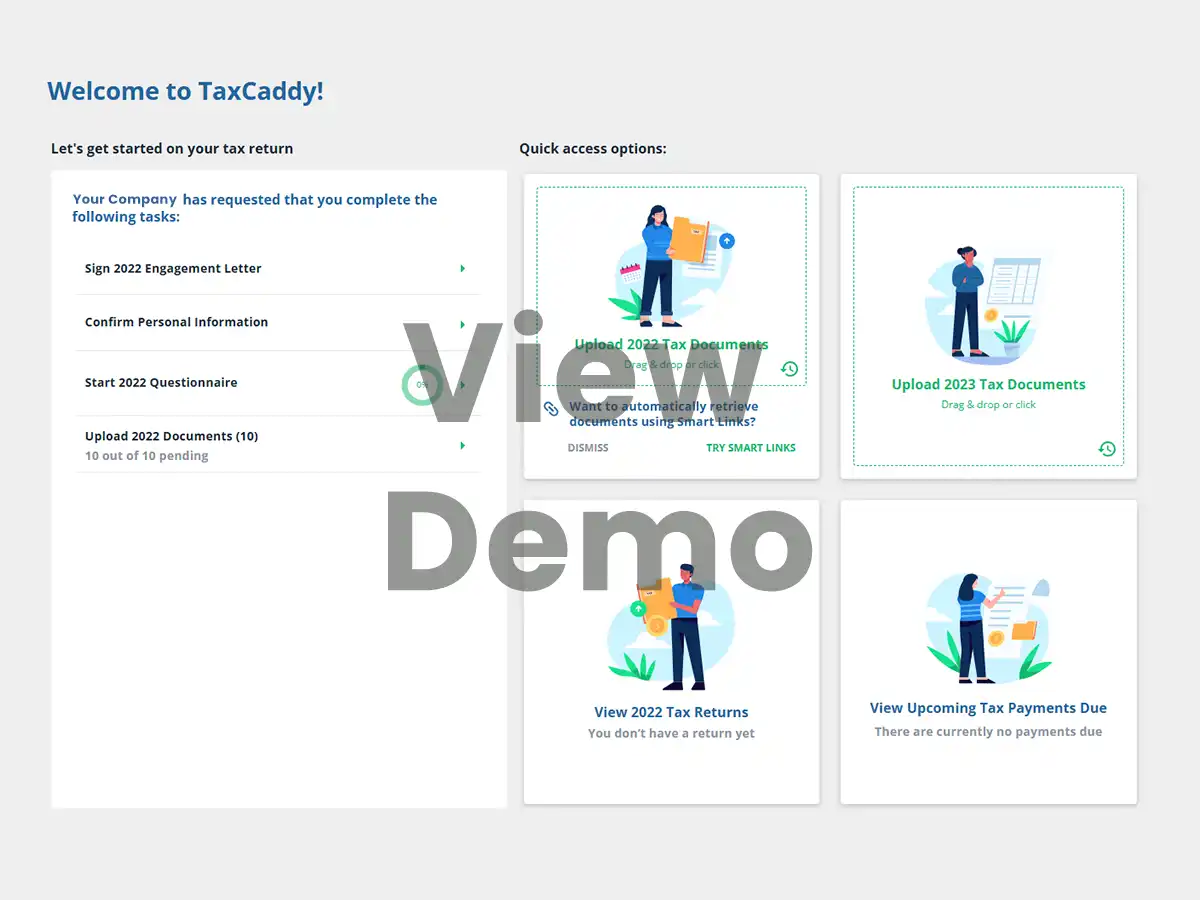
View the TaxCaddy demonstration to see how these features simplify your experience. Please note that while the demo covers the full platform, we utilize a curated suite of tools to provide you with the best experience at every stage.
Frequently Asked Questions
How do I submit documents and complete my questionnaire?
Once you log in, navigate to your Tax Questionnaire to answer your specific tax questions. You can provide documents by uploading files directly, taking photos with the TaxCaddy mobile app, or manually entering form information.
Learn more about submitting documents
I forgot my password. What should I do?
Select “Having trouble logging in?” on the TaxCaddy login page and enter your email address. If an account exists, you will receive an email from TaxCaddy with reset instructions. For additional technical assistance, you can access the TaxCaddy Help Center directly from their website.
Is there a mobile app?
Yes. To stay efficient on the go, download the TaxCaddy app for iOS or Android. The app includes a “scan” feature that uses your phone’s camera to instantly convert paper documents into high-quality PDFs for our team.
Can I share access with my spouse?
Yes. Within your Settings, select “Additional User Account” to grant access to a spouse or other user. This allows you to collaborate securely on the same tax file.
How do I update my email or phone number (2FA)?
You can manage your contact information and two-factor authentication (2FA) within your Settings under “Personal Info.” Note that email changes require verification before being finalized.
Update email address |Update phone number
How do I let the team know I’m finished uploading?
From your Overview Screen, open Document Requests and click “I’m Done Uploading.” This alerts your SN tax team that your file is ready for review. You can still upload additional documents later if more forms arrive.
Learn more about marking as Done/Uploading
Will I be signing my tax return through TaxCaddy?
No. While TaxCaddy is used to collect your information, we use SafeSend Returns for the secure delivery and electronic signature of your completed tax return.
If you have additional questions not addressed above, please visit the TaxCaddy Help Center, where you can search all content, leave a message for customer service, or, when available, engage in a live chat with a customer service representative.
A Commitment to Security
TaxCaddy utilizes industry-standard security controls and undergoes regular third-party audits. Security certifications are available through Whistic, reflecting Thomson Reuters’ commitment to protecting your sensitive information with the same rigor we apply to all Stambaugh Ness digital services.